

Image to PDF: PDF Scanner
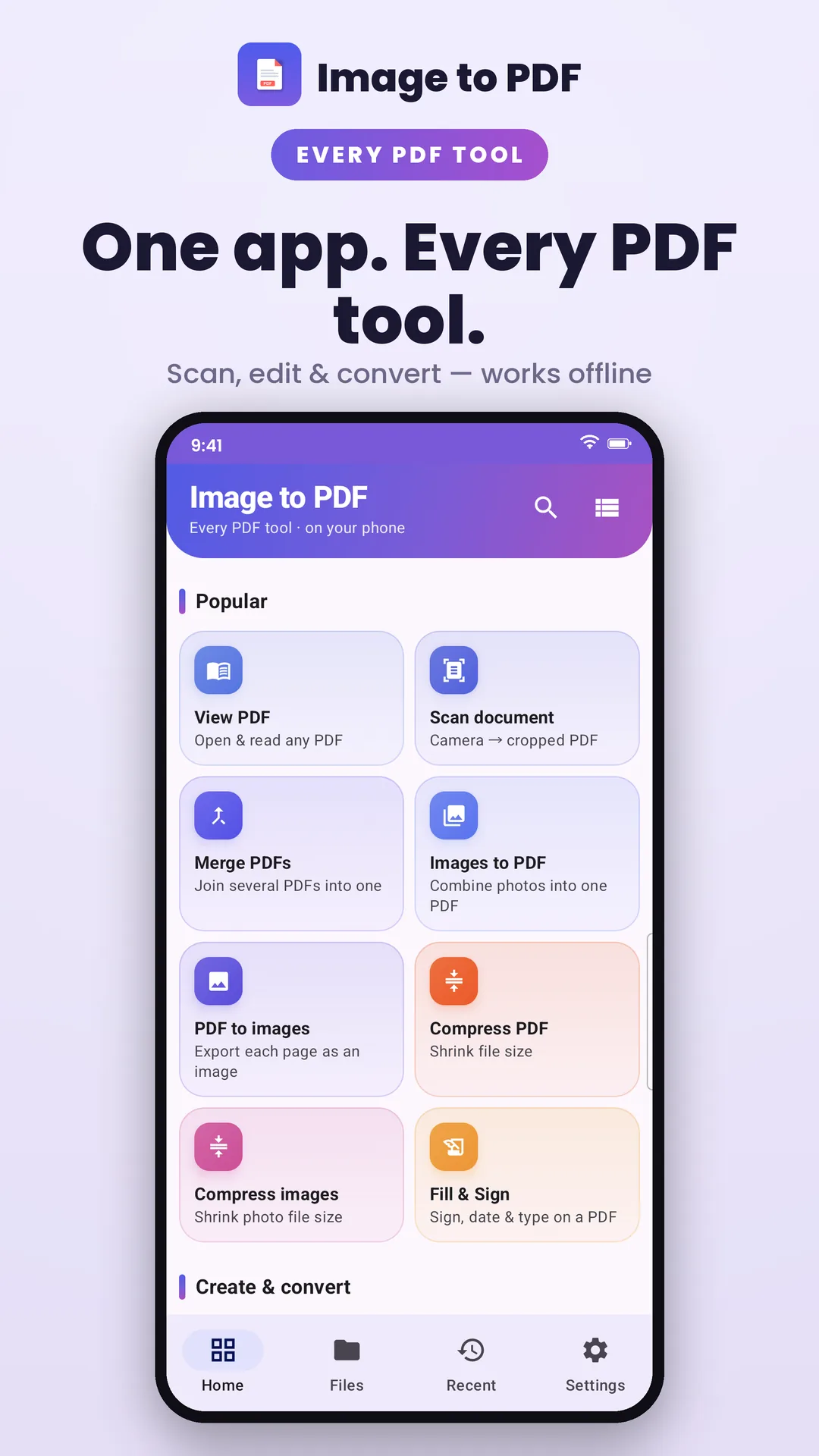
Convert photos to PDF, scan documents and ID cards, then merge, split, compress, protect, sign and annotate — every tool runs on your phone, in 59 languages.
Scan, convert & edit PDFs. Entirely on your phone.
- Free
- On-device processing
Scan to install
Get Image to PDF: PDF Scanner on your phone from Google Play.
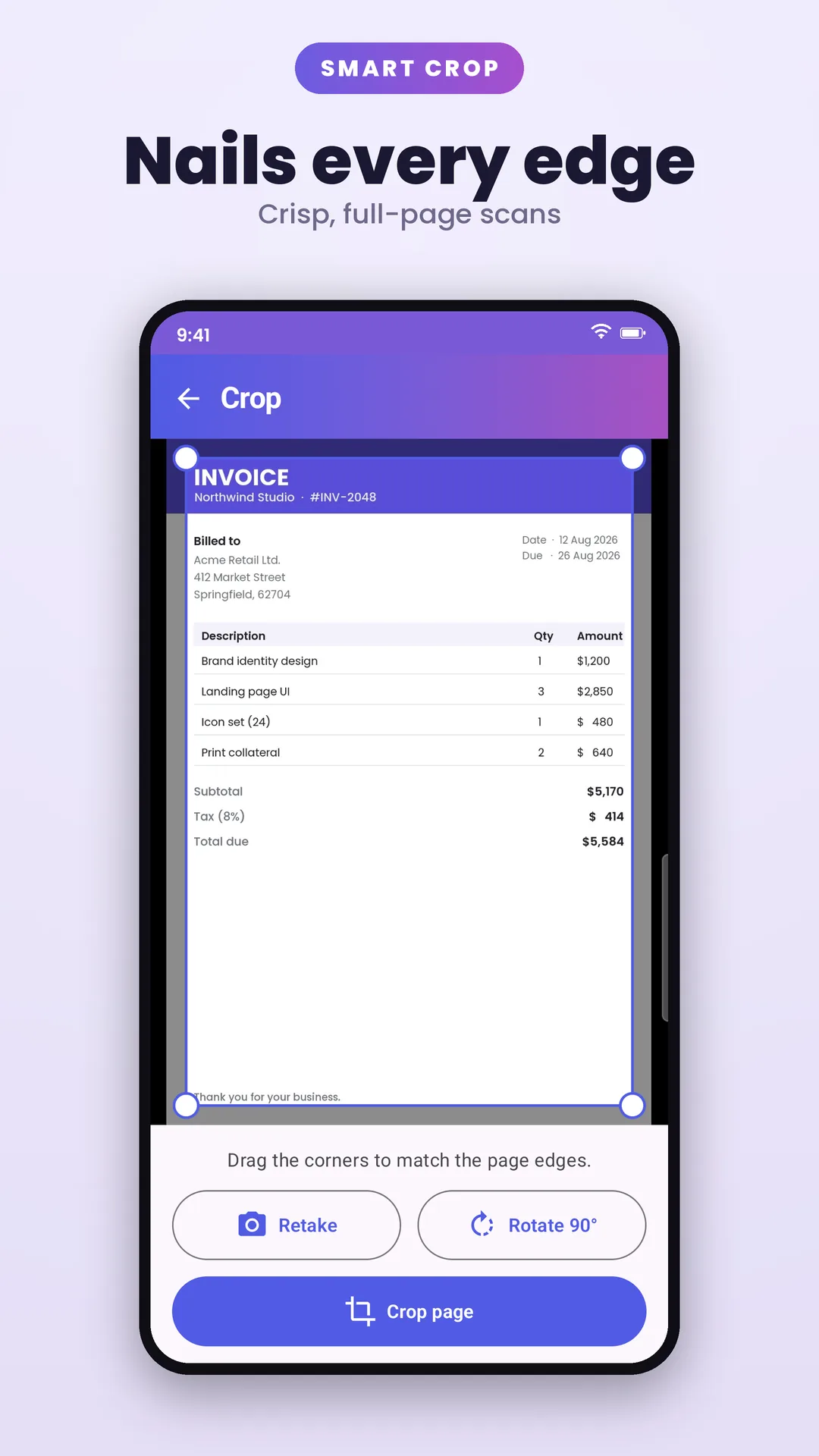
Image to PDF turns your phone into a full document workshop. Convert photos and images into polished PDFs, scan paper with a full-screen camera that captures full pages and keeps going page after page, or scan both sides of an ID card onto a single page — a card-shaped guide shows you where to hold it and the edges are found for you.
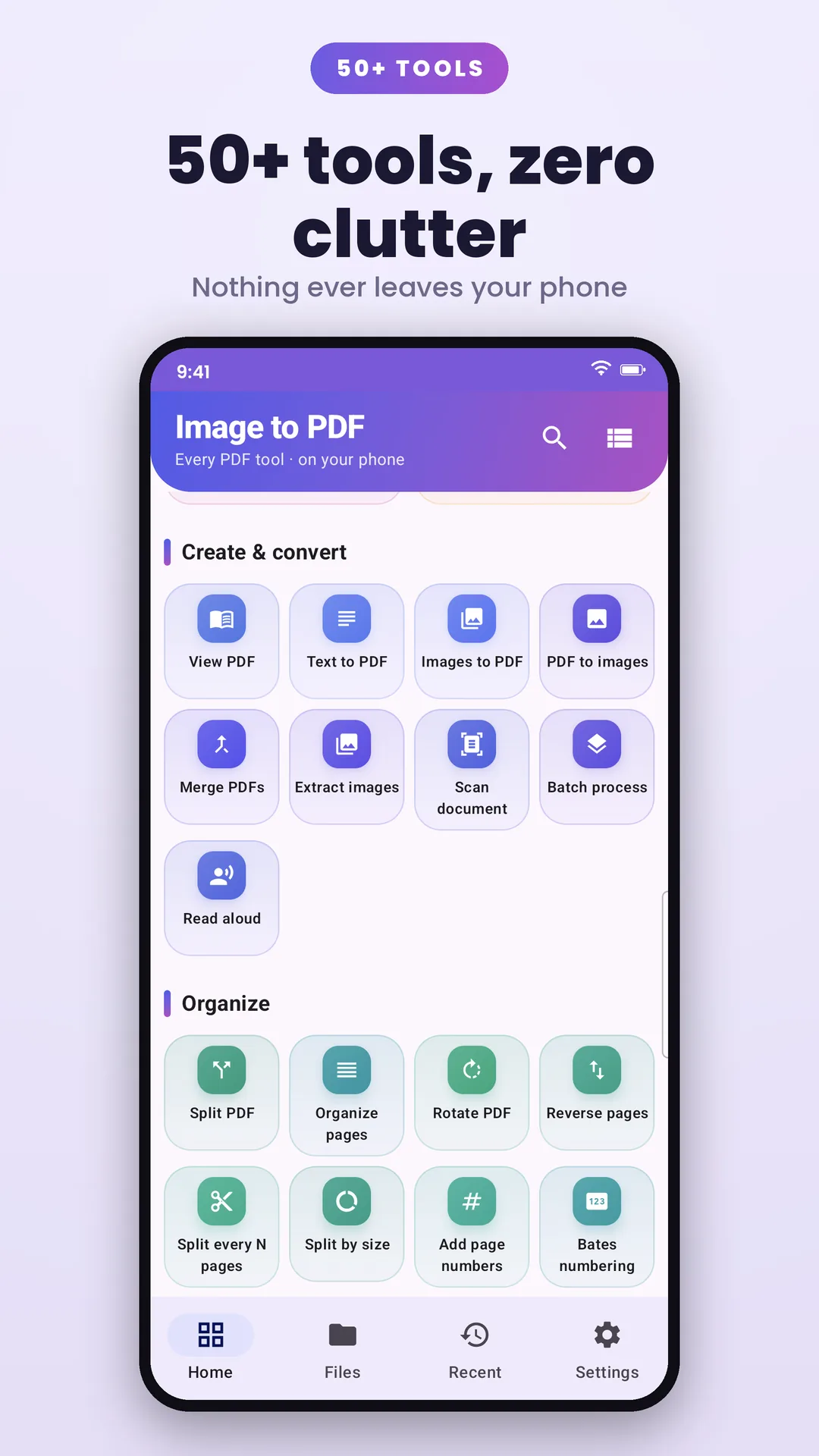
It also packs a complete PDF toolkit — merge, split, organise, compress, convert, password-protect, watermark, annotate and fill & sign — plus a fast built-in reader and 20+ on-device image tools from compression and conversion to resizing, filters and collages. Every PDF and image tool runs right on your phone, so your contracts, statements and personal documents are never uploaded to a server. Every tool is free, and the app speaks 59 languages.
At a glance
- Platform
- Android
- Category
- Productivity
- Price
- Free
- Works offline
- Core features, yes
- Ads / trackers
- Optional ads (disclosed)
- Languages
- English, Hindi, Spanish, Portuguese (Brazil), Portuguese (Portugal), German, French, French (Canada), Italian, Dutch, Polish, Czech, Slovak, Slovenian, Croatian, Serbian, Romanian, Hungarian, Greek, Bulgarian, Ukrainian, Russian, Lithuanian, Latvian, Estonian, Finnish, Swedish, Norwegian, Danish, Catalan, Afrikaans, Swahili, Zulu, Turkish, Arabic, Hebrew, Urdu, Bengali, Gujarati, Kannada, Malayalam, Marathi, Nepali, Punjabi, Tamil, Telugu, Sinhala, Thai, Khmer, Burmese, Vietnamese, Indonesian, Malay, Filipino, Japanese, Korean, Chinese (Simplified), Chinese (Traditional), Chinese (Hong Kong)
Screenshots
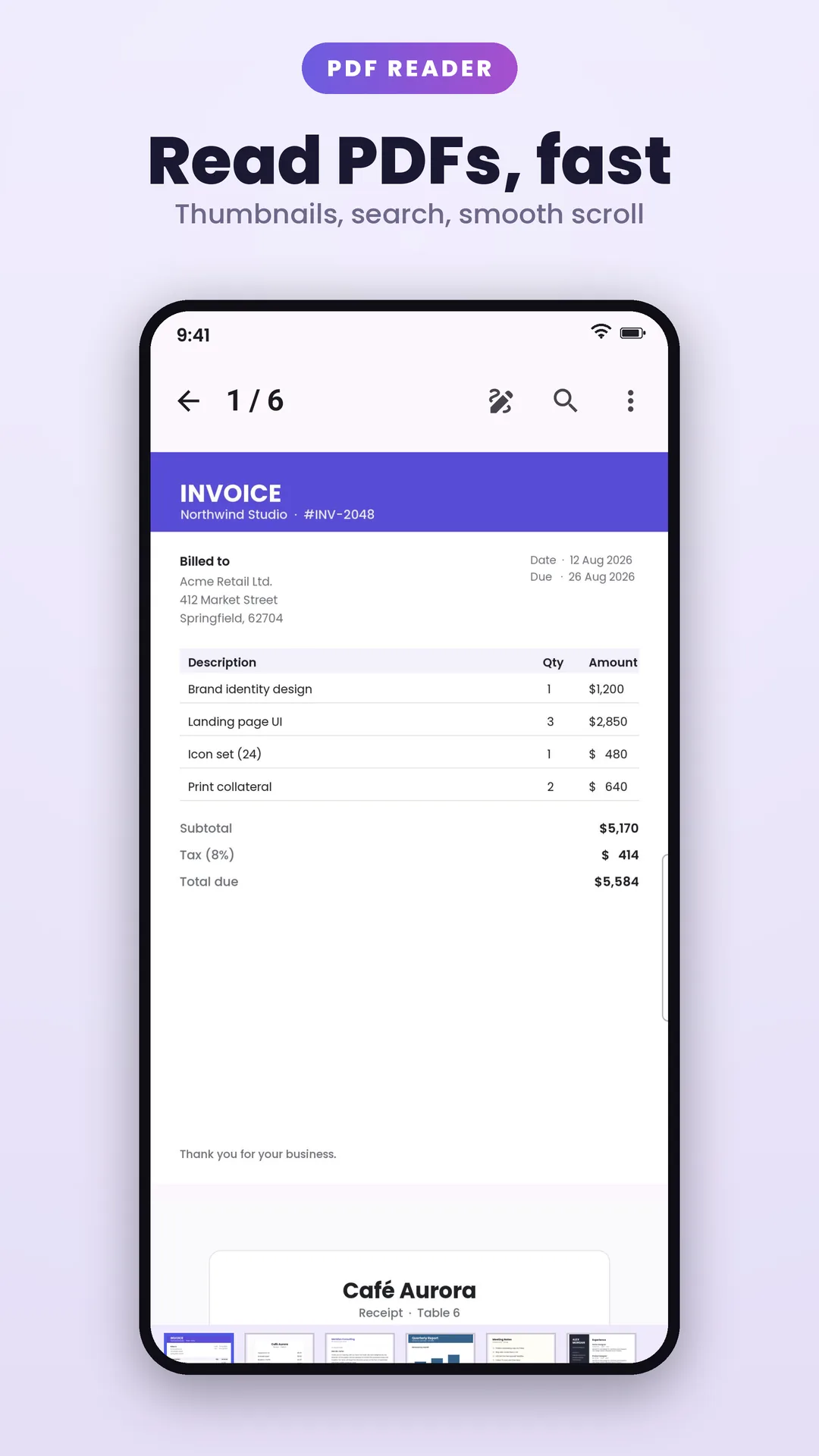
Features
Everything Image to PDF: PDF Scanner does
Focused features, no filler — each one designed to work without a network connection.
Merge, split & organise
Combine PDFs, split by range or every N pages, and reorder, rotate, delete, extract or reverse pages — plus N-up printing, margin trimming and metadata editing.
ID card scanner
Scan the front and back of any card-sized ID — licence, insurance, student, membership — onto a single page, ready to print or send. A card-shaped guide shows you where to hold it, the edges are detected for you, and you can print at true size or enlarged to fill the page.
Image to PDF & document scanner
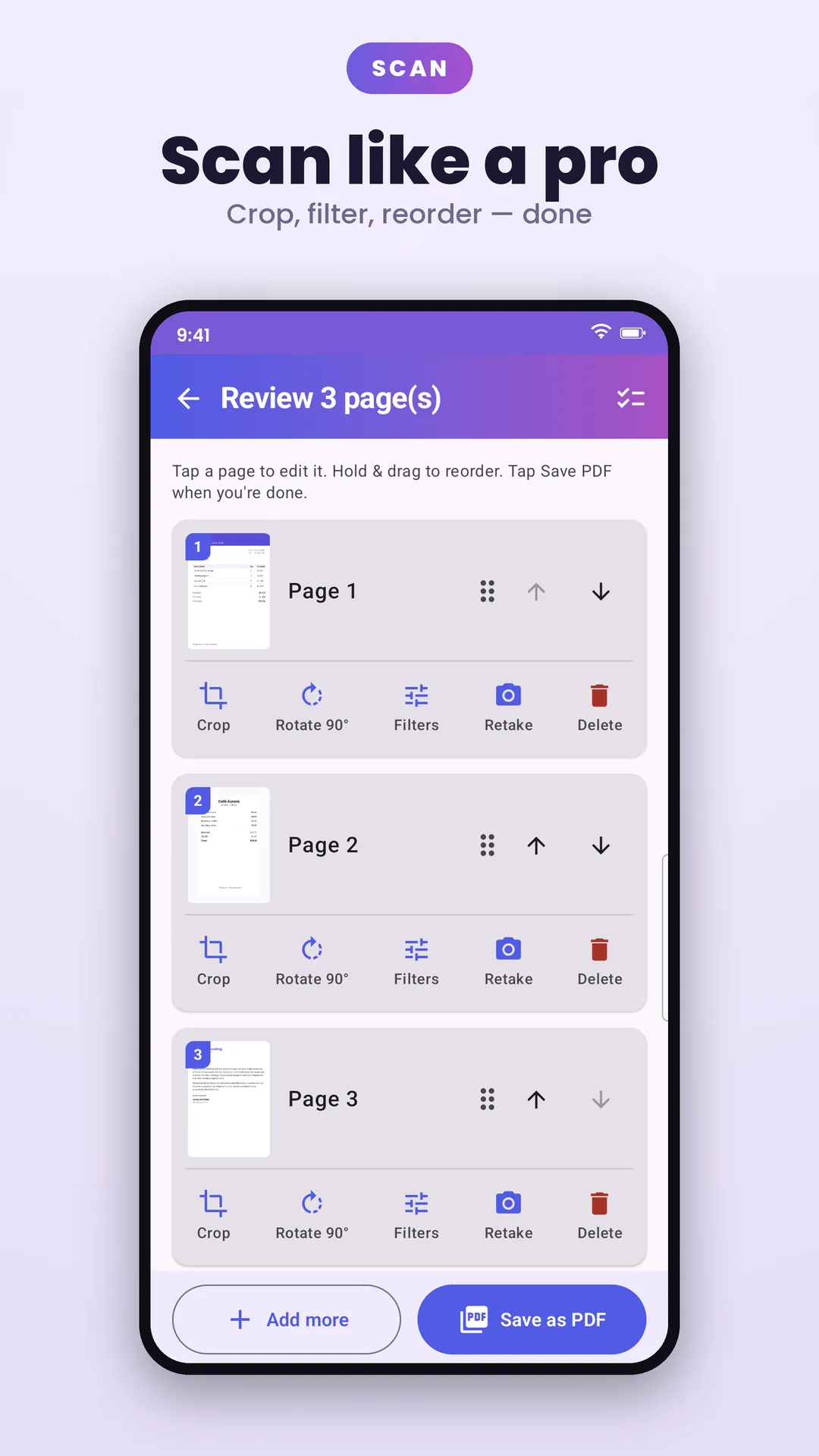
Convert photos and images into full-page PDFs, or scan paper with a full-screen camera: keep scanning page after page, then crop, rotate, filter and reorder every page before saving — all on your device.
Compress & convert
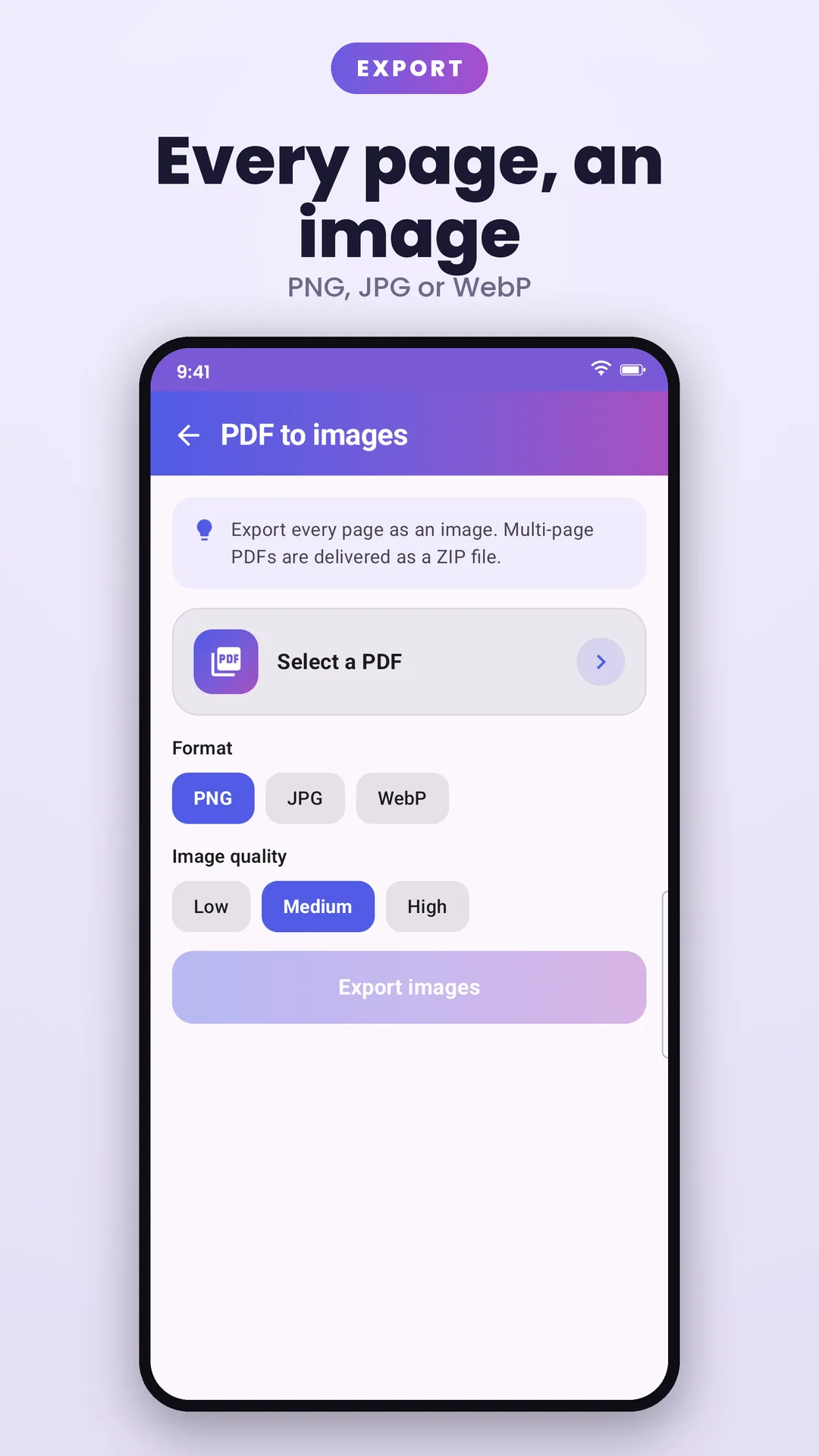
Shrink oversized PDFs with a quality slider you control, convert images to PDF and back, create PDFs from text, extract embedded images and go grayscale for printing.
Protect, unlock & redact
Add or remove PDF passwords, stamp text watermarks, add page numbers, headers and footers, flatten forms and redact sensitive content — all on-device.
Annotate, fill & sign
Mark up PDFs with pen, highlighter and notes, fill interactive forms, and draw a reusable signature to sign documents.
20+ image tools
Compress, resize, crop, convert between PNG/JPG/WebP, apply filters, watermark and build collages — all on-device.
Your files stay on your phone
PDFs and images are processed entirely on your device and never uploaded to a server, and the system file picker means Image to PDF never gets broad access to your storage — you pick exactly which files it can see.
Made for daily use
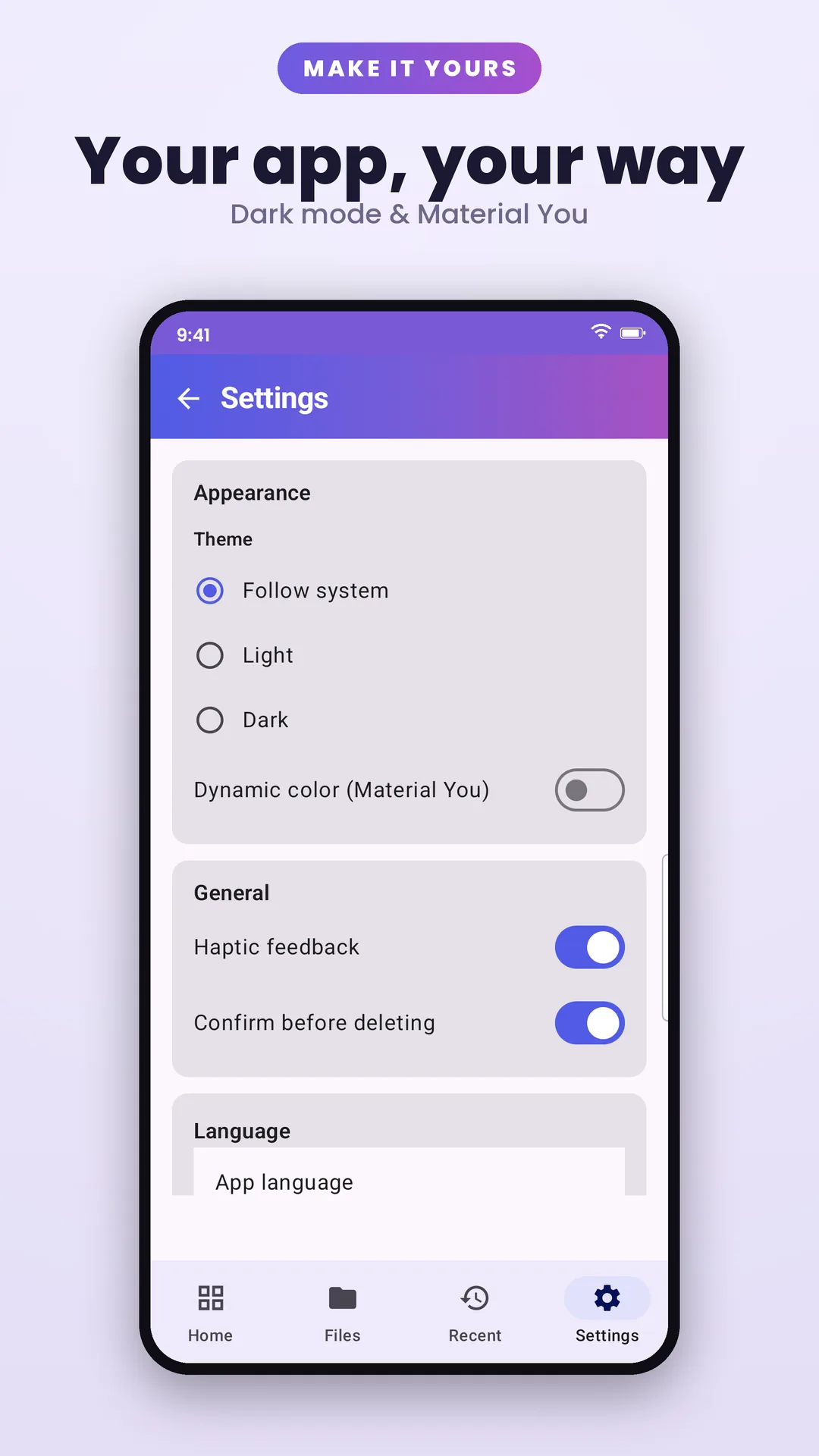
Recent files with thumbnails, pinnable favourite tools, a home-screen widget for scan/merge/view, dark and AMOLED themes, and 59 languages.
Roadmap
Where it's headed
An honest look at what's shipped, what's being built and what's on the horizon. Plans can shift — quality comes first.
- Shipped
Core toolkit
Merge, split, compress and convert — processed on-device.
- Shipped
Page organiser
Visual page reordering, rotation, deletion and extraction.
- Shipped
Protect, watermark & page numbers
Password protect/unlock, text watermarks, page numbers, headers, footers and redaction — on-device.
- Shipped
Scanner & image tools
On-device document scanning plus a full set of image utilities — compress, resize, convert, filter and collage.
- Shipped
ID card scanner
Both sides of a card-sized ID captured onto one page, with edge detection and true-size printing.
- Shipped
59 languages
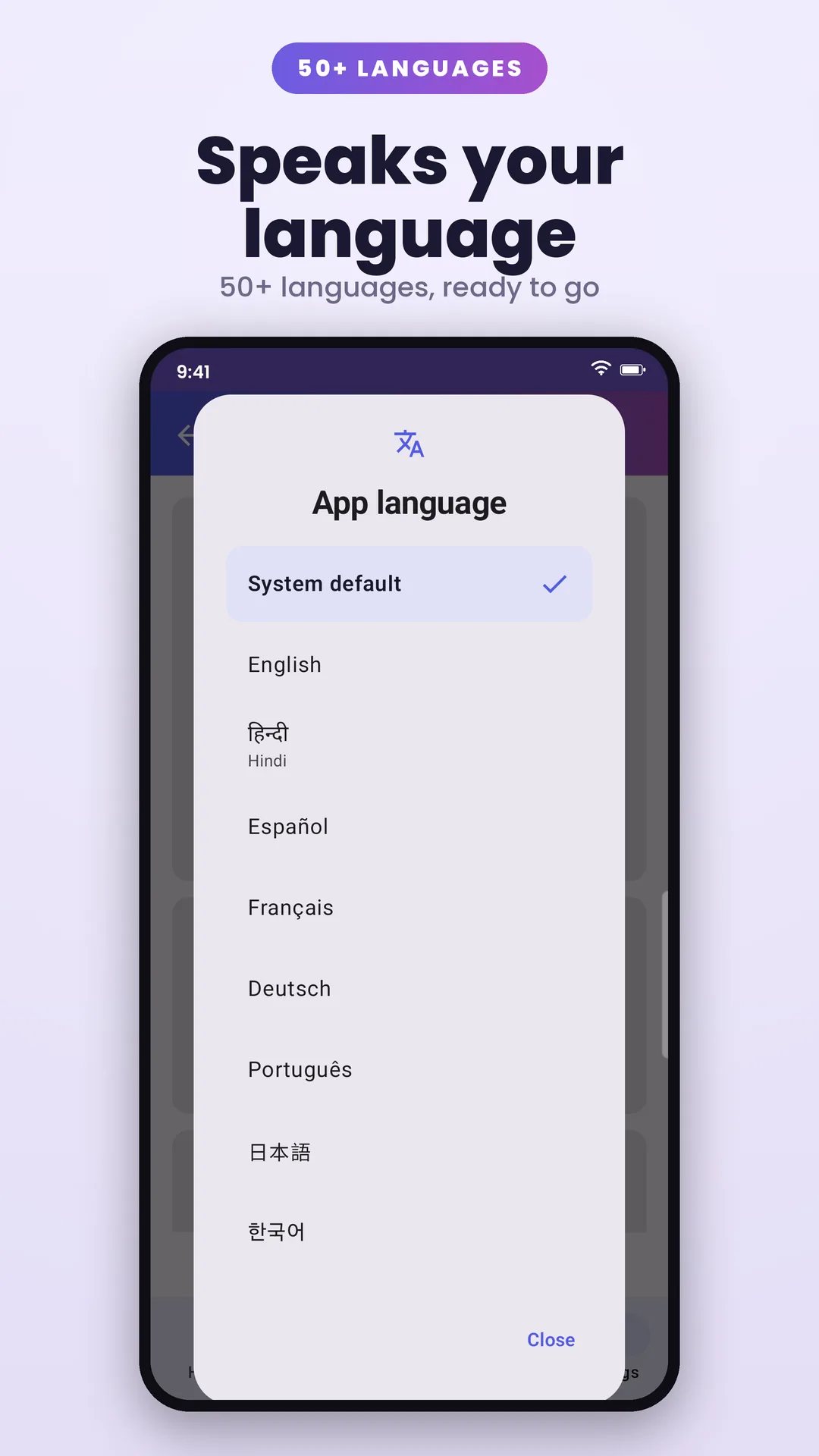
The whole app translated into 59 languages, switchable from inside the app without changing your phone's language.
Check it yourself
How do we know Image to PDF does what it says?
Each claim below can be confirmed independently. We have listed how.
- Every PDF operation runs on your device. Files are not uploaded for processing.
- How to check: No upload endpoint exists in the app; the tools use on-device PDF libraries.
- The app requests the INTERNET permission for one banner advert only.
- How to check: The manifest declares INTERNET; the sole network component is the ad SDK.
- No analytics or crash-reporting SDK is included.
- How to check: Dependency list contains no Firebase Analytics, Crashlytics or equivalent.
- Available in 59 languages, switchable in-app.
- How to check: Counted from locales_config.xml in the app source.
FAQ
Image to PDF: your questions answered
Can't find your answer? Reach out via the contact page — real replies, typically within 1–2 business days.
Learn more
Guides & tools for Image to PDF: PDF Scanner
Free, practical help — and in-browser tools that run entirely on your device.
Merge PDF Files Online
Combine several PDFs into one, right in your browser. Your files never leave your device.
How to Reduce PDF File Size for a Form Upload — Free & Offline (2026)
Government and exam portals often cap upload size. Here's how to shrink a PDF to fit — privately, without uploading it anywhere.
Are Online PDF Converters Safe? What to Know Before You Upload (2026)
That free online PDF tool receives your document on its server. Here's when that matters — and how to avoid it.
More from elevatedevco
More private, offline apps
Every one of our apps keeps your data on your device — no account and no server of ours that can leak your life, and most are ad-free.

Weight Loss Tracker
Log weight offline in kg, lb or stones, follow a smoothed trend to your goal, and track BMI, measurements and progress photos. No account, no ads.

Medicine Reminder & Pill Alarm
Set flexible medication reminders that survive reboots, log every dose taken or missed, track refills and appointments, and export a doctor-ready PDF report.

Home Inventory AI
Catalogue your belongings by room, identify items from a photo with AI, scan invoices into records, track warranties and export insurance-ready PDF reports.
Privacy, in writing
Exactly what Image to PDF: PDF Scanner stores, where it lives, and what does — and never does — leave your device, in plain language, short enough to actually read.
Read the policyNeed a hand?
Found a bug, want a feature, or just have a question about Image to PDF: PDF Scanner? Support comes straight from the developer.
Get support