

AI Resume Builder & CV Maker
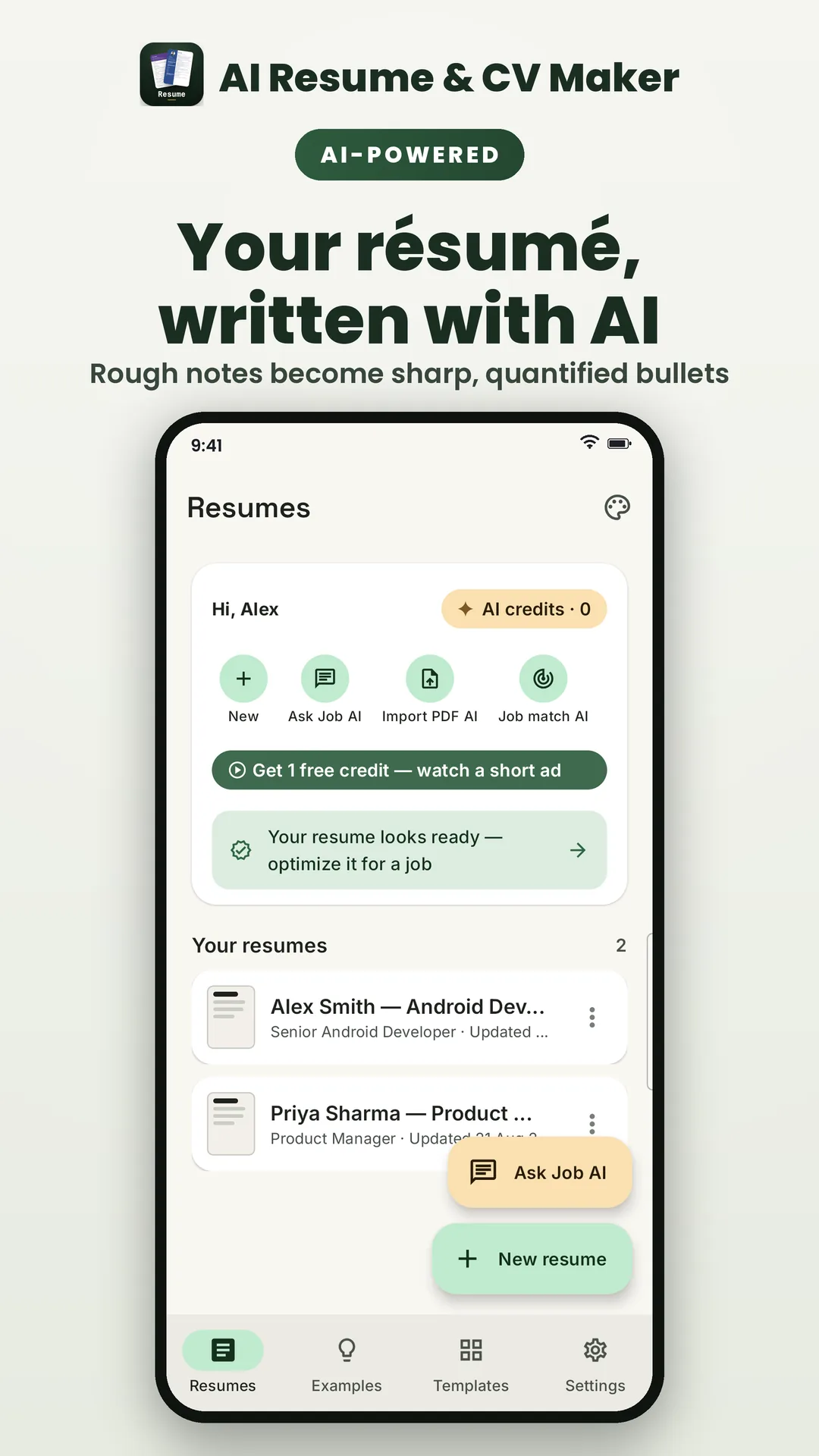
Write recruiter-ready bullets, summaries and cover letters with AI, score your CV against a job description, and export ATS-safe PDF and Word files.
AI-written bullets, summaries & cover letters — free.
- Free
Scan to install
Get AI Resume Builder & CV Maker on your phone from Google Play.
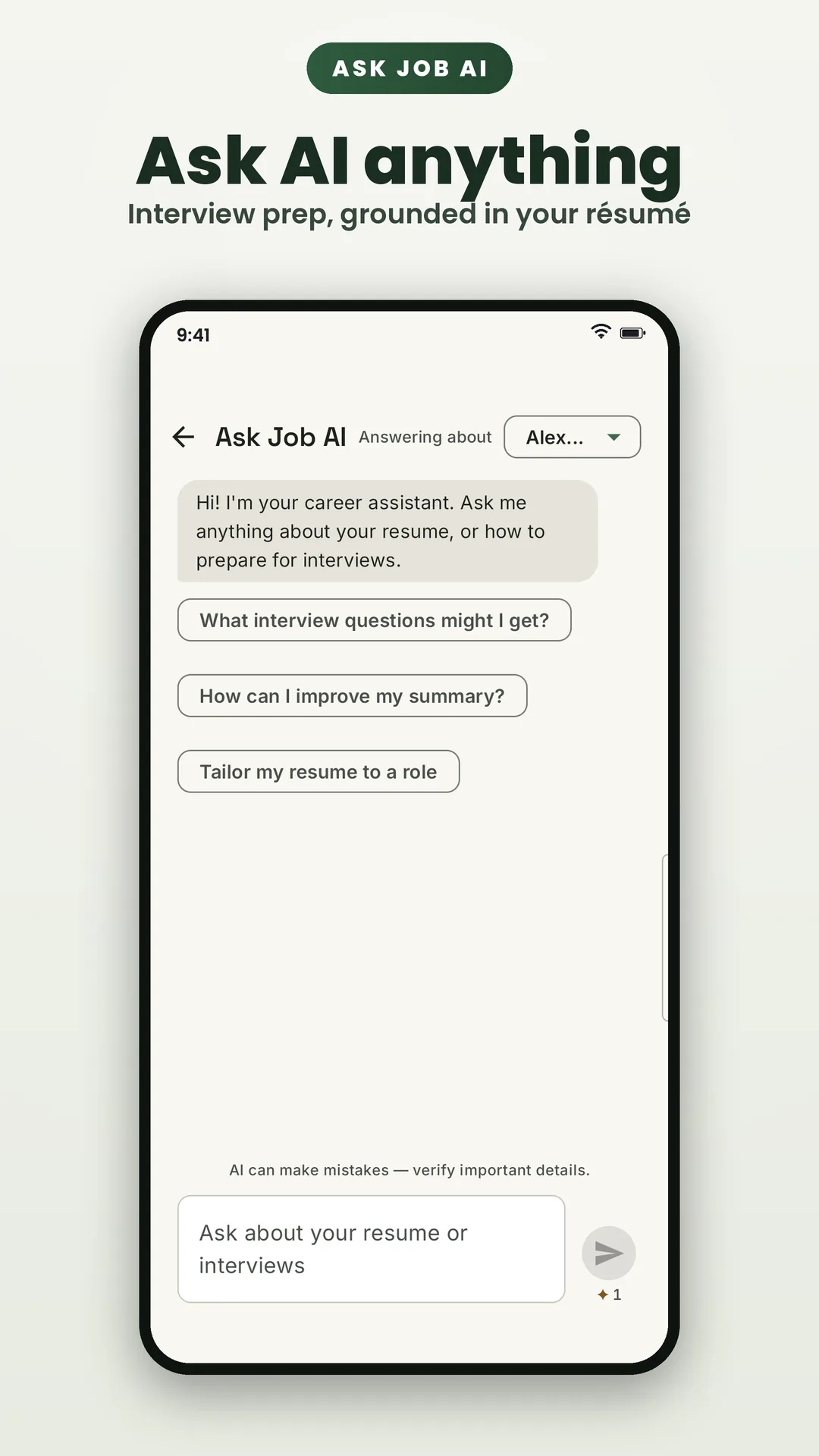
AI Resume Builder & CV Maker helps students, freshers and professionals build a standout, job-ready résumé in minutes — with AI doing the heavy lifting. It turns plain duties into quantified, recruiter-ready achievement bullets, writes a professional summary that actually sounds like you, generates a matching cover letter for the role you're applying for, scores your résumé against a pasted job description and flags missing keywords, and can even parse your old PDF résumé into an editable draft so you never retype your work history. You can also chat with AI about your résumé and job interviews — ask anything and get instant answers grounded in your own résumé, plus built-in interview preparation. Everything exports as ATS-safe PDF and Word (DOCX), with real selectable text and no watermark.
And it's genuinely free — no subscription, no paywall on your documents. AI features run on a simple credit system: sign in with Google to keep your balance, start with a few trial credits, and earn more whenever you like by watching a short, optional rewarded video. Each AI action — a rewrite, a summary, a cover letter, a score — spends a credit, and fair-use limits keep the service free for everyone. Ads never interrupt your writing; they only play when you choose to watch one.
Straight talk about your data: AI features need AI. When you tap an AI action, the relevant résumé text is sent securely to ElevateDev's backend and processed by an AI model to produce the result you asked for — nothing is sent unless you ask. Your résumés live in an encrypted database on your device, exported files stay wherever you save them, your résumé content is never sold or used for advertising, and you can delete your server-side data at any time from inside the app. The privacy policy spells all of it out in plain English.
At a glance
- Platform
- Android
- Category
- Business
- Price
- Free
- Works offline
- Core features, yes
- Ads / trackers
- Optional ads (disclosed)
- Languages
- Arabic, Bengali (Bangladesh), German, English (US), Spanish (Spain), French, Gujarati, Hindi, Indonesian, Italian, Japanese, Kannada, Korean, Malayalam, Marathi, Dutch, Punjabi, Polish, Portuguese (Brazil), Russian, Swedish, Tamil, Telugu, Thai, Turkish, Urdu, Vietnamese, Chinese (Simplified), Chinese (Traditional)
Screenshots
Features
Everything AI Resume Builder & CV Maker does
Focused features, no filler — each one designed to work without a network connection.
AI writing & rewriting
Turn plain duties into quantified, recruiter-ready achievement bullets, and generate a professional summary that actually sounds like you — then edit every word until it's yours.
Cover letters in a tap
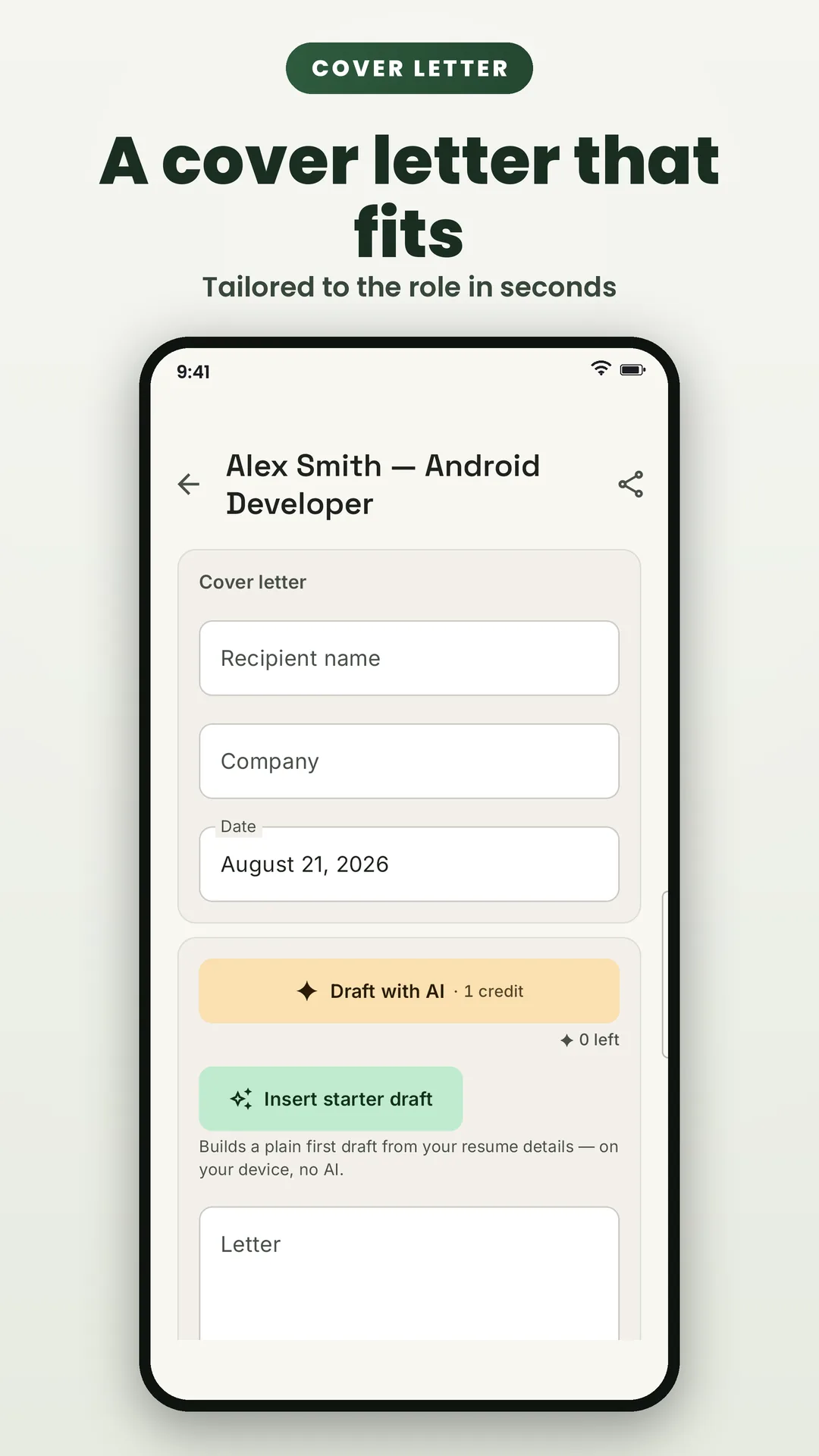
Generate a matching cover letter from your résumé and the role you're applying for, and export it as PDF or DOCX alongside your résumé.
ATS & job-description match
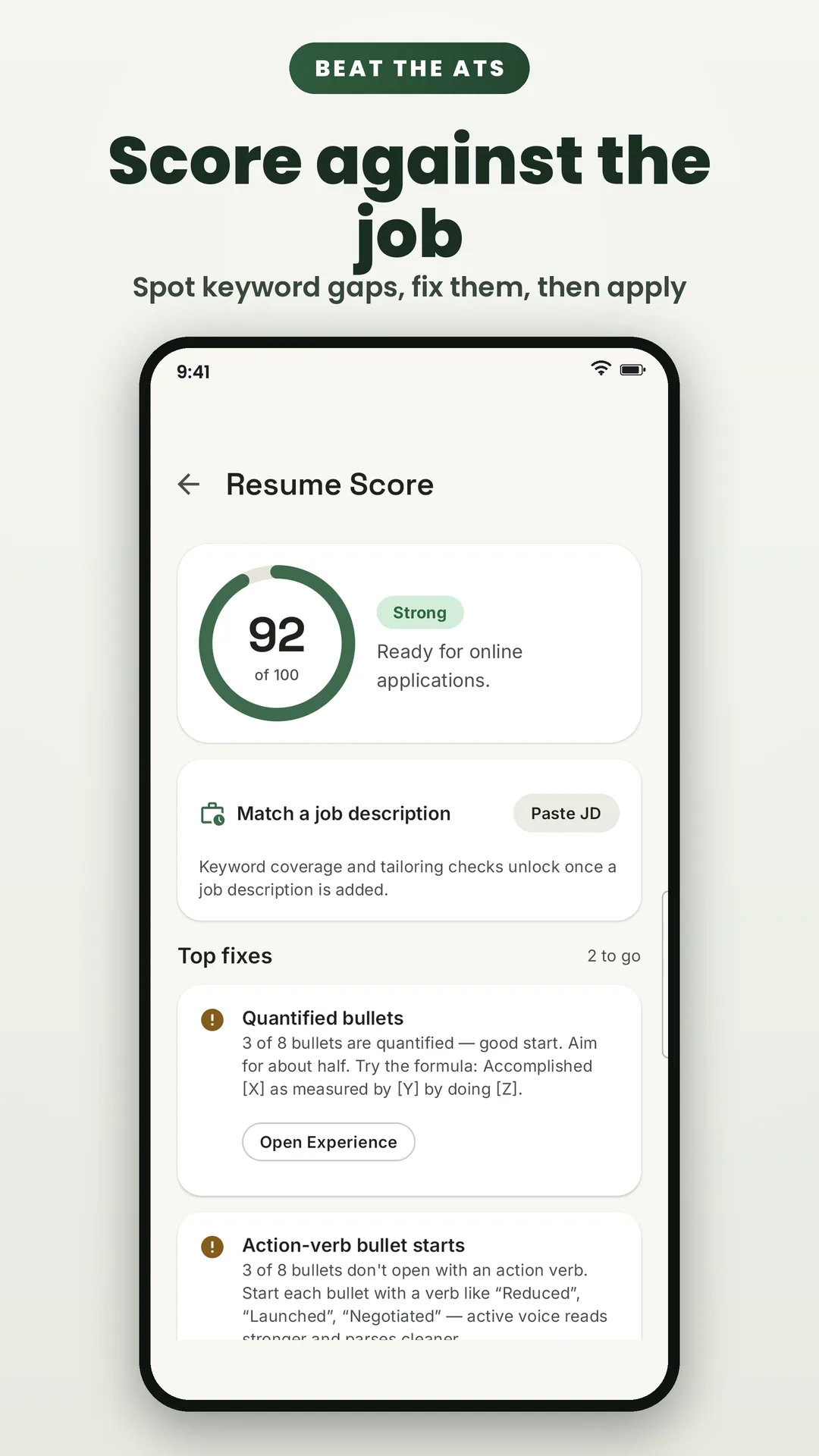
Paste a job description and let AI score your résumé against it, flag missing keywords and suggest targeted fixes — so both the screeners and the humans read every word.
Import your old résumé
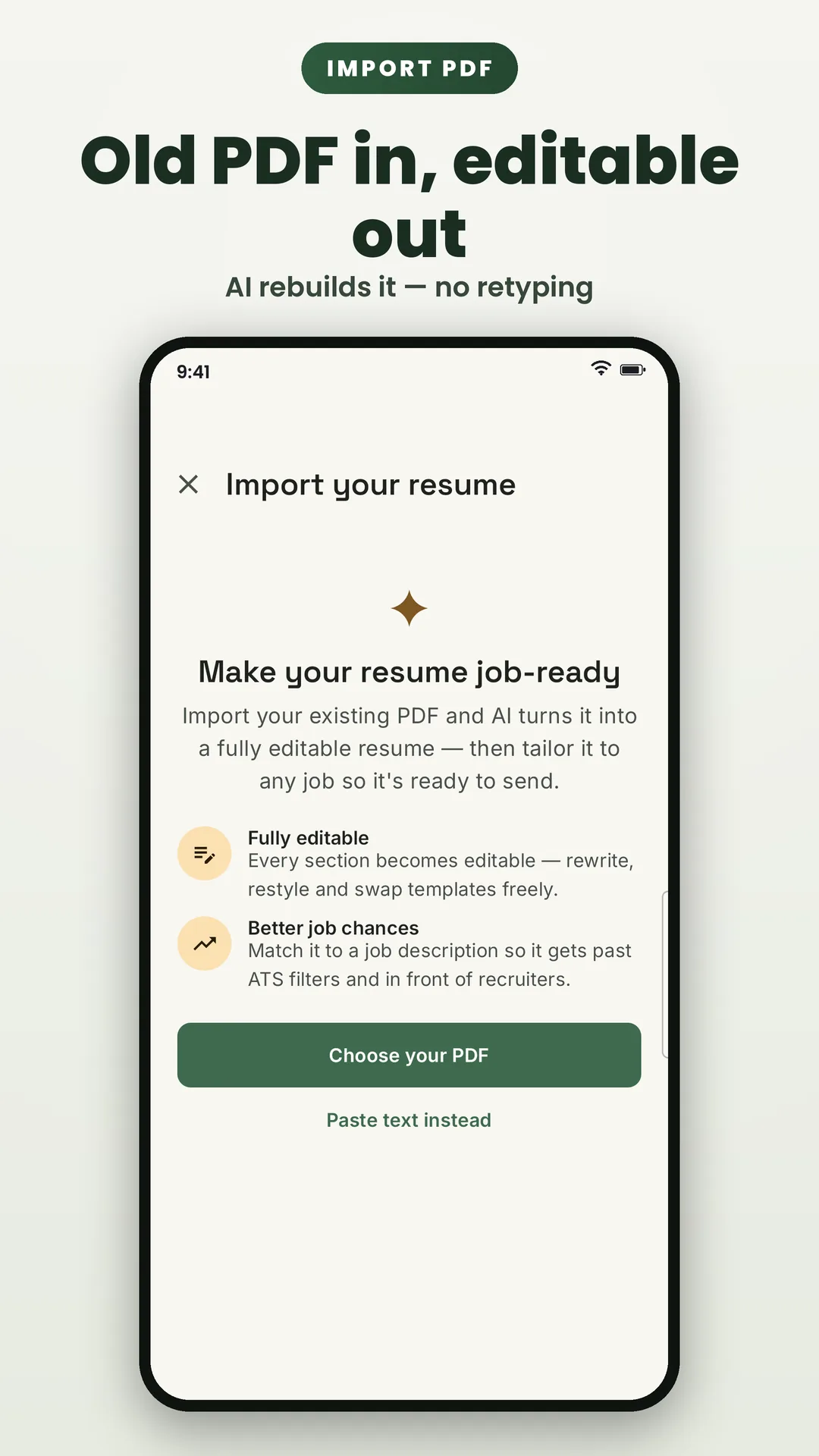
Already have a PDF? Import it and AI parses your details into an editable résumé in seconds — no retyping your work history.
ATS-safe templates & real text
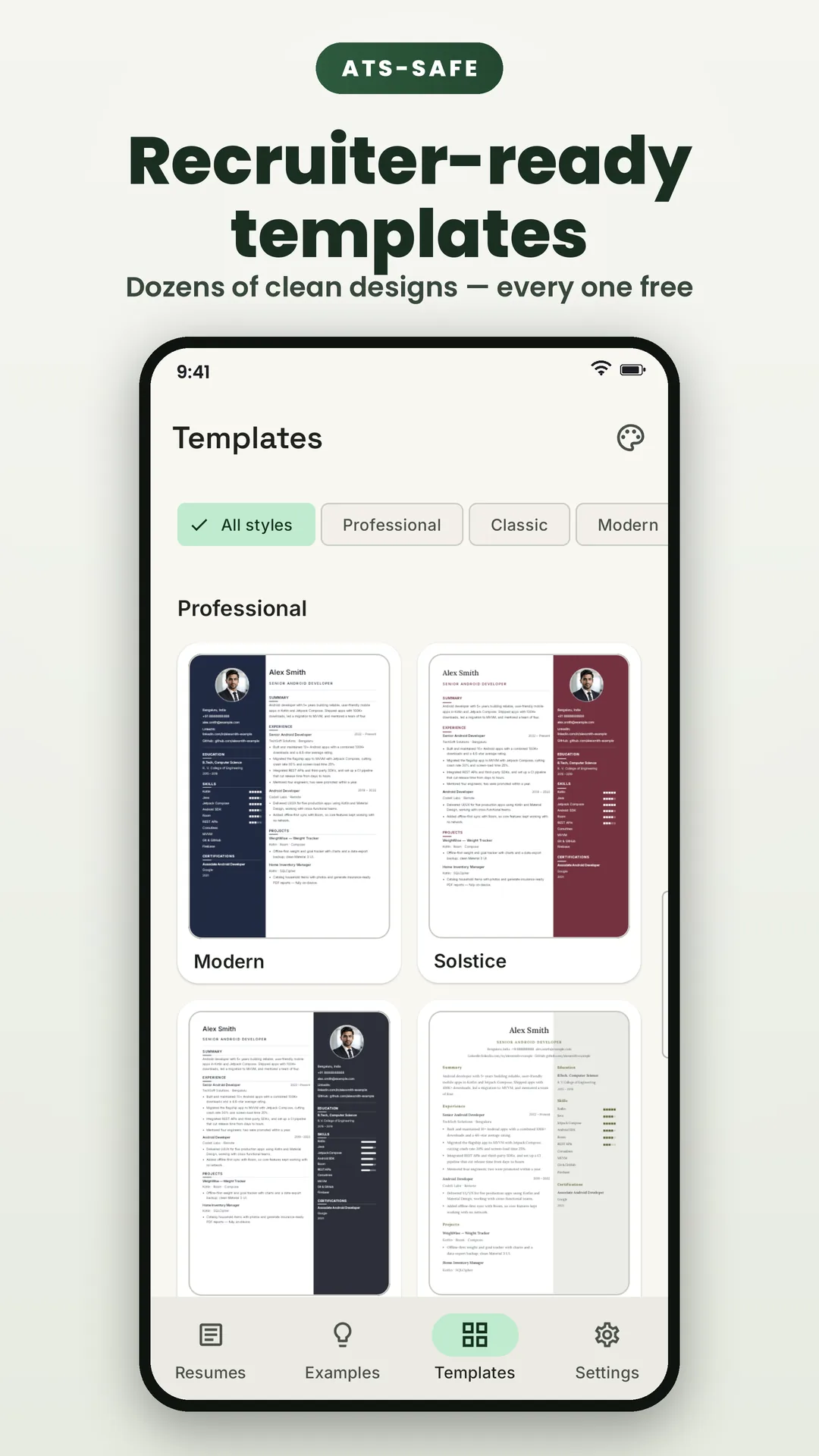
Clean, ATS-safe layouts with standard headings and a real, selectable text layer (not an image) on every export, so applicant tracking systems parse every word.
PDF and Word (DOCX) export — free
Export a complete résumé, or a matching cover letter, as both PDF and Word — free, with no watermark on anything you create.
Free, powered by credits you earn
Sign in with Google, start with trial credits, and top up for free by watching a short, optional rewarded video whenever you choose. Each AI action spends a credit; fair-use limits keep it free for everyone, and ads never interrupt your writing.
Your data, handled honestly
Your résumés live in an encrypted database on your device. When you tap an AI action, only the relevant text is sent securely for processing by an AI model — nothing is sent unless you ask, your content is never sold or used to target ads, and you can delete your server-side data any time from inside the app.
Roadmap
Where it's headed
An honest look at what's shipped, what's being built and what's on the horizon. Plans can shift — quality comes first.
- Shipped
The AI writing suite
AI achievement bullets, professional summaries, cover letters, job-description scoring with keyword matching, and PDF résumé import — plus ATS-safe templates and free PDF/DOCX export.
- Shipped
Free credits via rewarded videos
Google Sign-In keeps your balance, trial credits get you started, and optional rewarded videos top you up for free — with fair-use limits that keep the service free for everyone.
- Shipped
Launched on Google Play
Final polish and on-device testing of the AI flows, credit system and export pipeline before the first public release.
- Planned
More roles, templates & languages
Additional template designs, deeper role-specific guidance and localisation beyond English, prioritised by user requests.
Check it yourself
How do we know AI Resume Builder & CV Maker does what it says?
Each claim below can be confirmed independently. We have listed how.
- Advertising is a banner from Google AdMob, plus an optional rewarded video you may choose to watch to earn AI credits. Nothing is gated behind a purchase.
- How to check: The banner renders on the app shell; the rewarded video is opt-in and never required. There is no in-app purchase.
- Every feature is unlocked. There is no subscription and nothing is gated behind a paywall.
- How to check: MONETIZATION_ENABLED is false in the shipped build, which makes every entitlement check pass.
- Your resume data is stored on the device; AI features are the only part that uses the network.
- How to check: The app works offline apart from the AI calls, which are clearly labelled in the UI.
- No analytics or crash-reporting SDK is included; Firebase is used only for authentication and App Check.
- How to check: Dependency list shows firebase-auth and firebase-appcheck, and no analytics or Crashlytics.
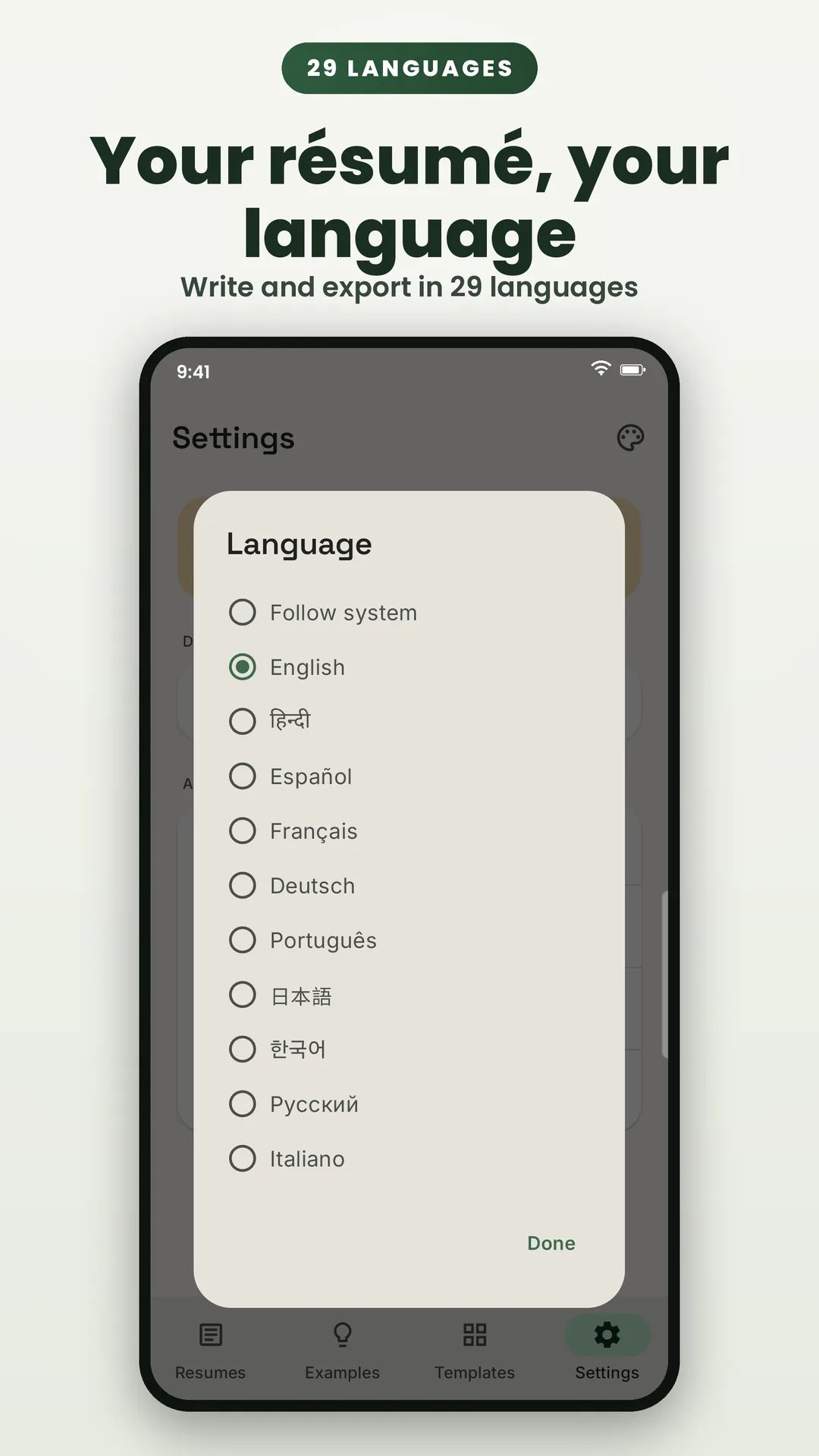
- Available in 29 languages, switchable in-app.
- How to check: Counted from the app's localisation resources.
FAQ
AI Resume Builder & CV Maker: your questions answered
Can't find your answer? Reach out via the contact page — real replies, typically within 1–2 business days.
More from elevatedevco
More private, offline apps
Every one of our apps keeps your data on your device — no account and no server of ours that can leak your life, and most are ad-free.

Weight Loss Tracker & BMI
Log weight offline in kg, lb or stones, follow a smoothed trend to your goal, and track BMI, measurements and progress photos. No account, no ads.

Image to PDF: Scanner & Editor
Convert photos to PDF, scan documents and ID cards, then merge, split, compress, protect, sign and annotate — every tool runs on your phone, in 59 languages.

Medicine Reminder & Pill Alarm
Set flexible medication reminders that survive reboots, log every dose taken or missed, track refills and appointments, and export a doctor-ready PDF report.
Privacy, in writing
Exactly what AI Resume Builder & CV Maker stores, where it lives, and what does — and never does — leave your device, in plain language, short enough to actually read.
Read the policyNeed a hand?
Found a bug, want a feature, or just have a question about AI Resume Builder & CV Maker? Support comes straight from the developer.
Get support